
Architecture
Organization of networks, equipment, access points, and zones according to the company's needs.
ARCHITECTURE, NETWORK, AND CONNECTIVITY
We design and upgrade network infrastructures with a focus on the users, the facilities, and the equipment that need to communicate. The hardware comes next, supporting a clear and understandable architecture.
Technology partner

Spiritech3S helps you integrate Fortinet solutions
The Issues
Problems arise in everyday life: Wi-Fi that cuts out in a room, cables that are impossible to trace, access points that get mixed up, equipment that becomes overloaded, or maintenance tasks that take too long.
Your Fortinet Partner in Burundi
As an Advocate Integrator in the Fortinet Engage partner program, Spiritech3S helps you integrate Fortinet solutions into your infrastructure.
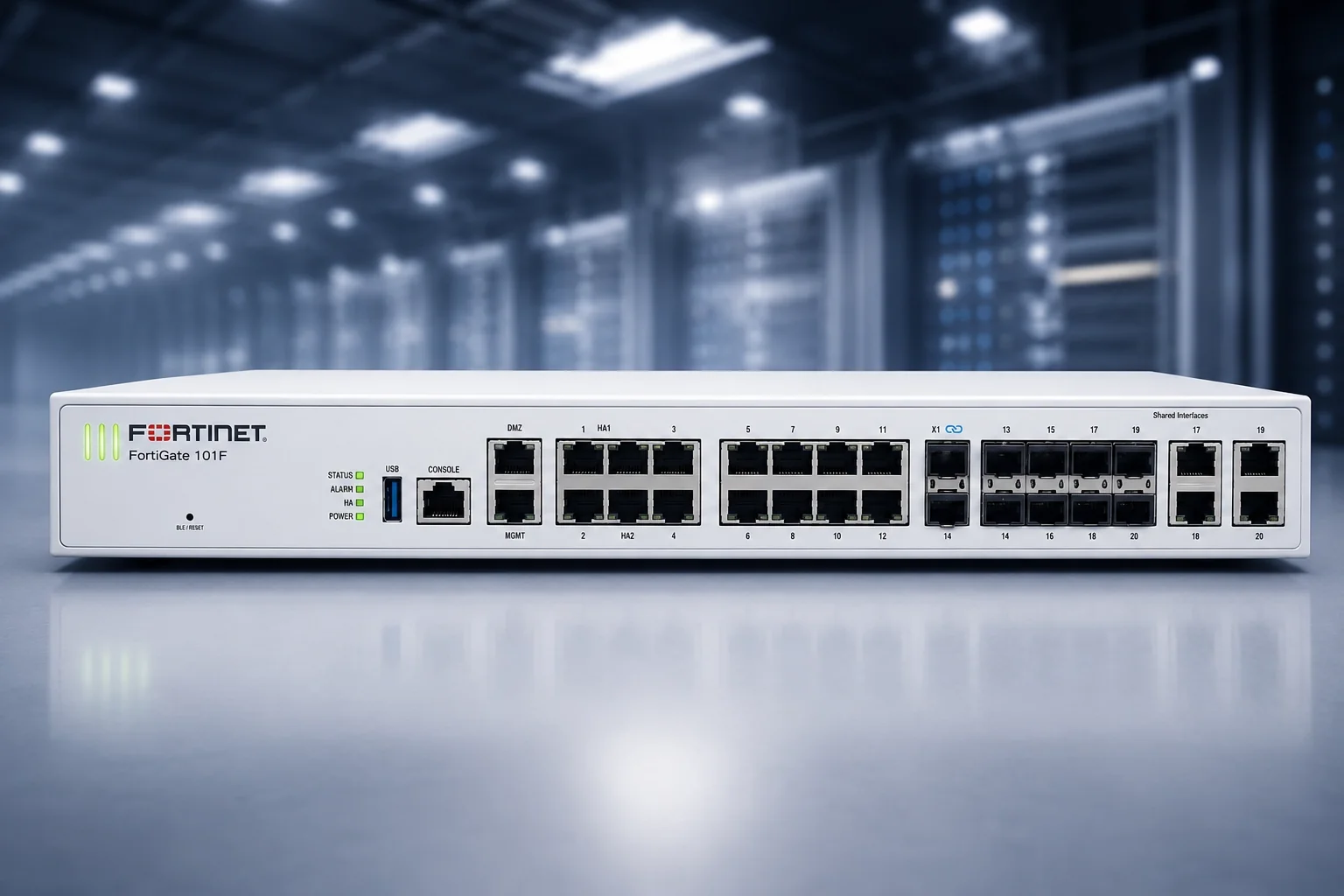
From Bujumbura, we help you deploy and configure your FortiGate firewall, secure access to your network, and set up VPN connections between your sites or for remote employees.
Scope of the Project
The project may involve a new installation, an expansion of facilities, or the overhaul of an existing network. Each decision depends on capacity, safety, and future maintenance.
Organization of networks, equipment, access points, and zones according to the company's needs.
Installation and configuration of wired, Wi-Fi, routing, and security equipment.
Consistent separation of uses when workstations, guests, servers, cameras, or line-of-business equipment should not share the same space.
Documentation and rollback capabilities to add users or devices without having to start from scratch.
Our Approach
We assess the facilities, traffic flows, and operational constraints. A stable network depends not only on a piece of equipment’s rated power, but also on the overall consistency of the system.
Identify rooms, service lines, equipment, users, and critical areas.
Estimate requirements for throughput, coverage, ports, security, and scalability.
Set up the necessary access points, Wi-Fi, routing, VLANs, or filtering rules.
Test real-world usage scenarios, document the decisions made, and define the next level of maintenance.
ARCHITECTURE AND TECHNICAL SCOPE
We do not impose a single topology. The scope may include LAN, WLAN, routing, switching, VLANs, firewalls, VPNs, servers, and monitoring.
Why Spiritech3S
In an environment where link quality, existing cabling, and equipment availability can vary, a pragmatic design is preferable to an oversized architecture. Spiritech3S can integrate the network with audit, video surveillance, and energy continuity systems where these areas overlap.
Frequently Asked Questions
Not necessarily. The cabling, access points, interference, capacity, and layout should be checked first. The assessment distinguishes a coverage issue from a wider architecture problem.
Yes. We can document the current network, identify its limits, and propose a phased upgrade when a complete replacement is not justified.
It depends on the equipment, traffic, security requirements, and available capacity. Segmentation may be appropriate, but the decision should follow an assessment of the actual infrastructure.
Continue Exploring
Next Step
Please specify the number of users, the areas involved, and the devices that need to remain connected. We’ll start by discussing your usage patterns before moving on to hardware.
